Do students need to install anything?
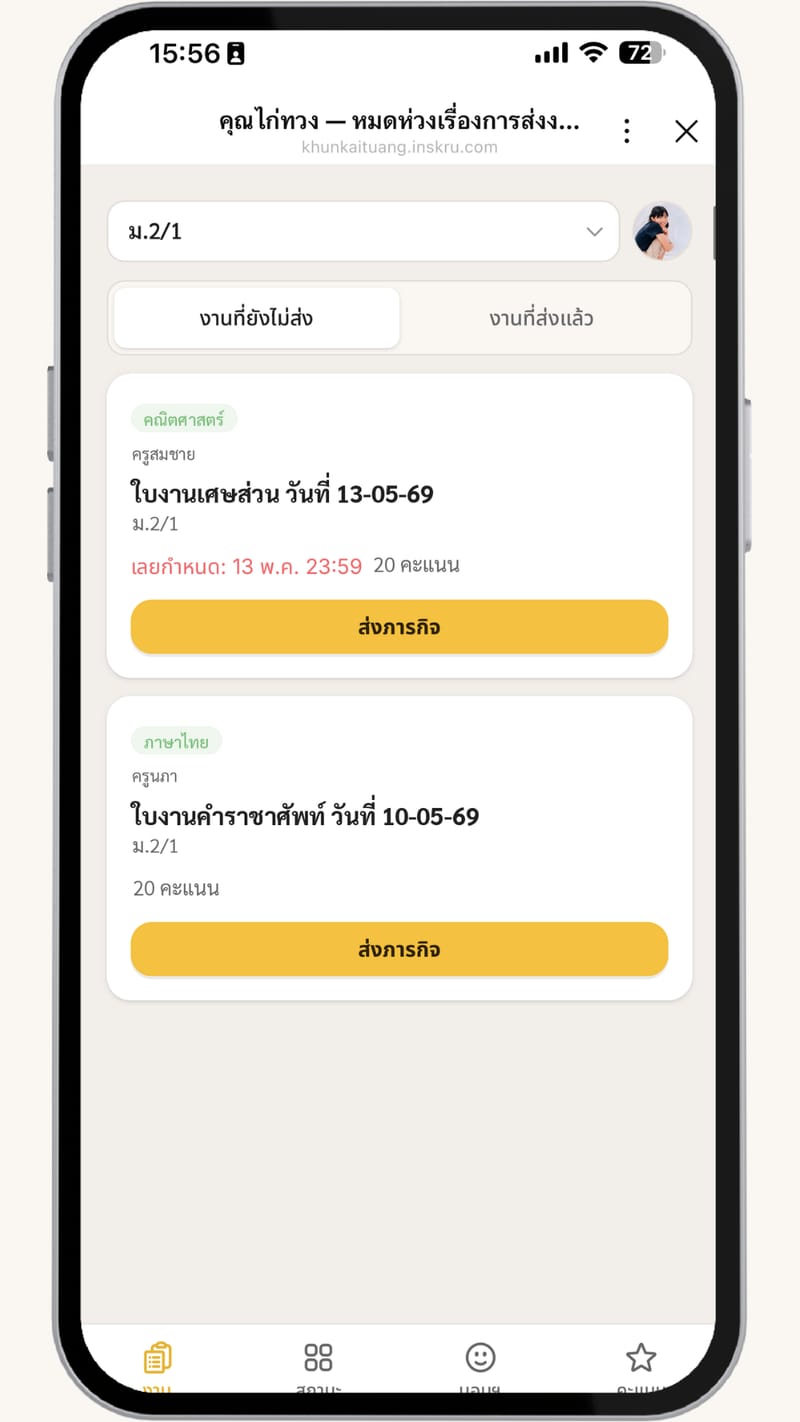
No — in a LINE group they use the LINE they already have, and classes not on LINE just open a link in the browser.
My class doesn't use LINE — can I still use it?
Yes — create a classroom without a group, copy one announcement link into Facebook Messenger, LINE OpenChat, or any chat, and students join with a class code and submit on the web.
Multiple classes, subjects, or co-teachers?
Yes — unlimited classes and students, and you can invite a co-teacher to share a subject.
Is student data safe?
Data is used for teaching only, work files back up to the teacher's own Google Drive, and we never use student data commercially.
Some students have no phone or LINE — can they still use it?
Yes — students can submit through a friend, or the teacher can submit for them. If the whole class has no phones, use the Lite package.
What kinds of work are supported?
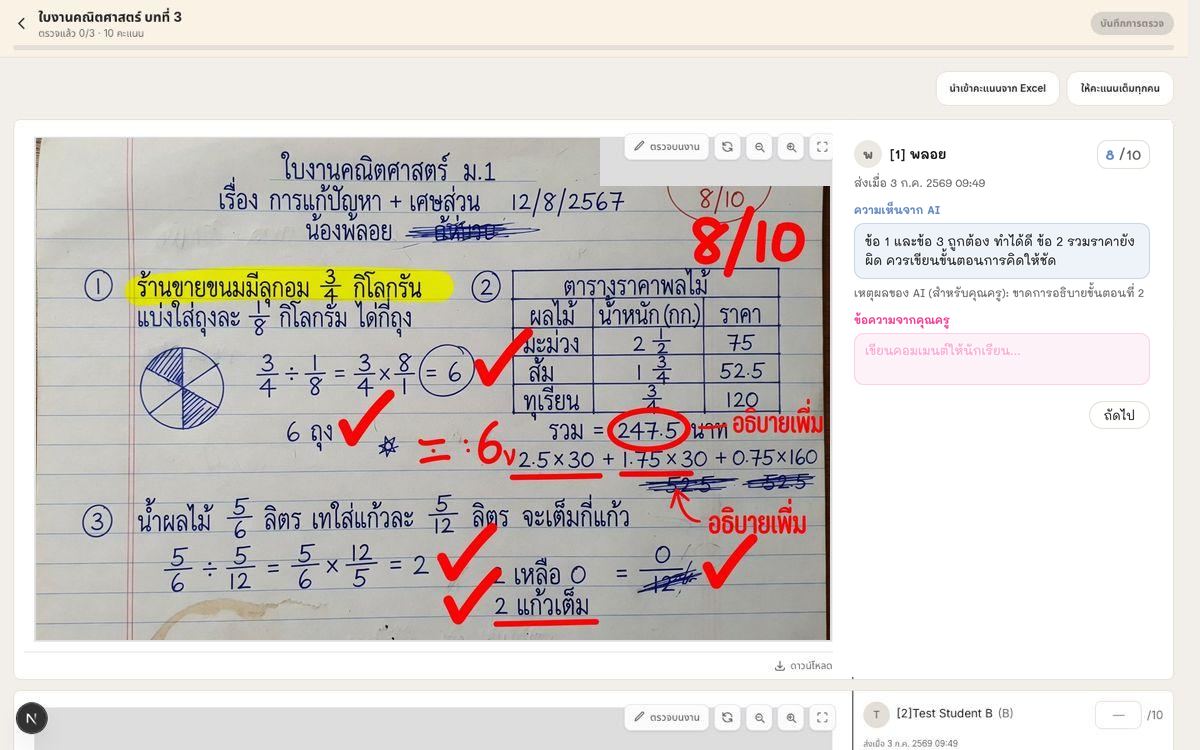
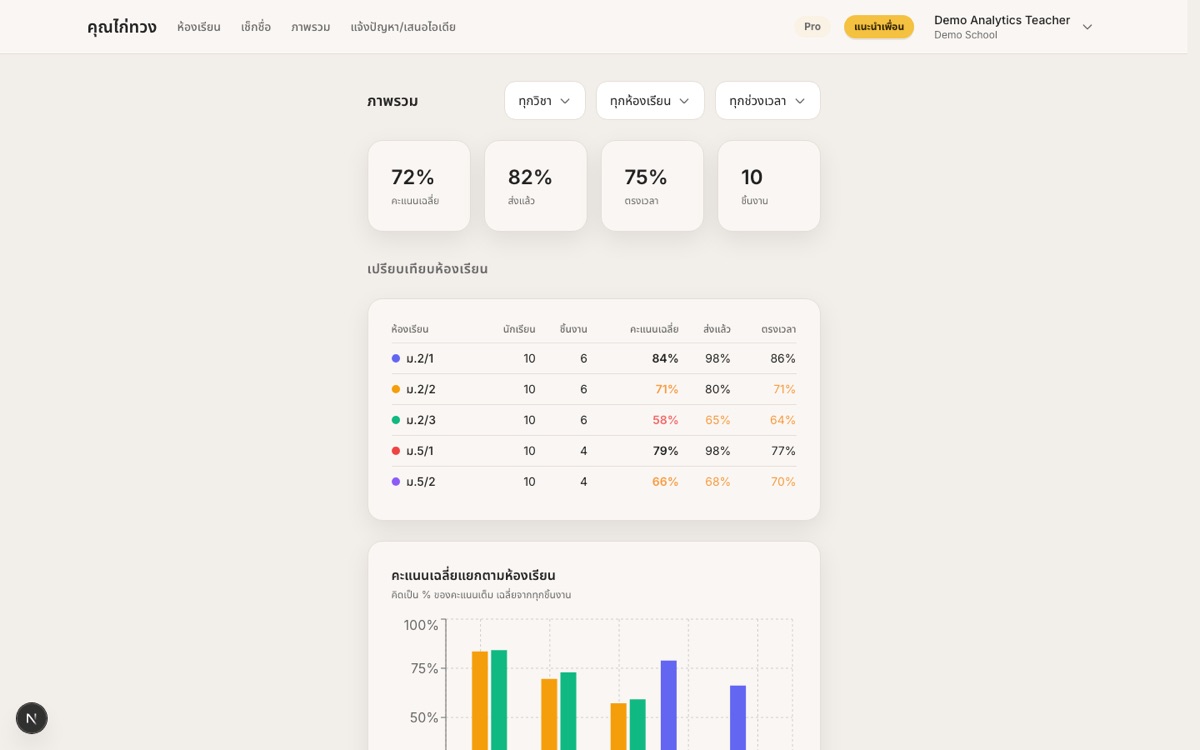
Assignments of every kind — video, images, links, PDFs, slides — plus quizzes, timed in-class exams, a live board you project on the class screen, a template gallery, and a classroom seating map.
Where can I reach the team and community?
Join the Mr.Kaituang LINE OpenChat group
Can I run a real exam, not just a quiz?
Yes — exam mode starts the whole class together, with an optional timer, shuffled questions, a live monitor, and a log of students leaving the page. Anyone marked on leave can sit a make-up session later.
Can I take attendance from a seating chart?
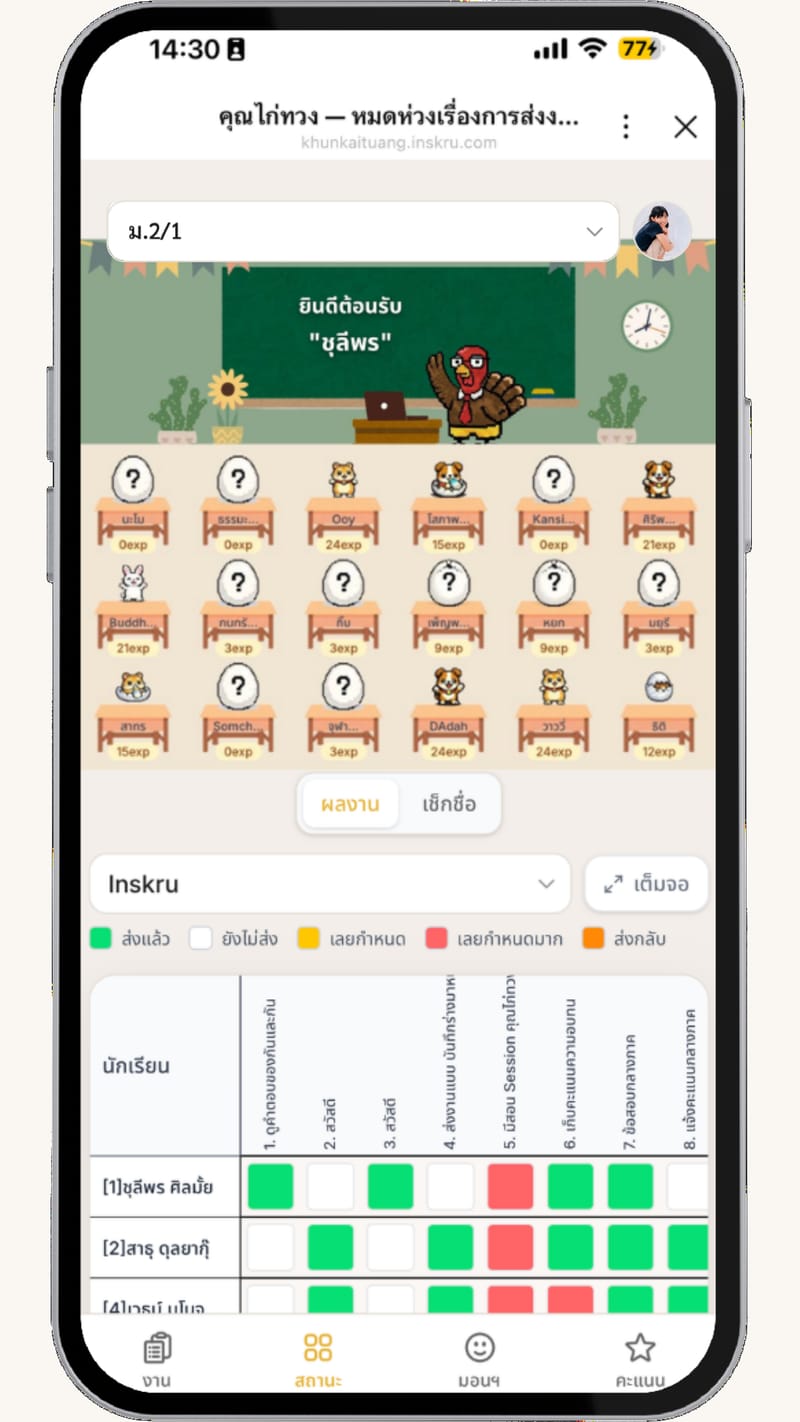
Yes — arrange the room once by dragging students onto desks, then tap a desk to mark attendance or hand out EXP. Each subject can have its own layout if the seats change.
Can I run a live quiz on the classroom screen?
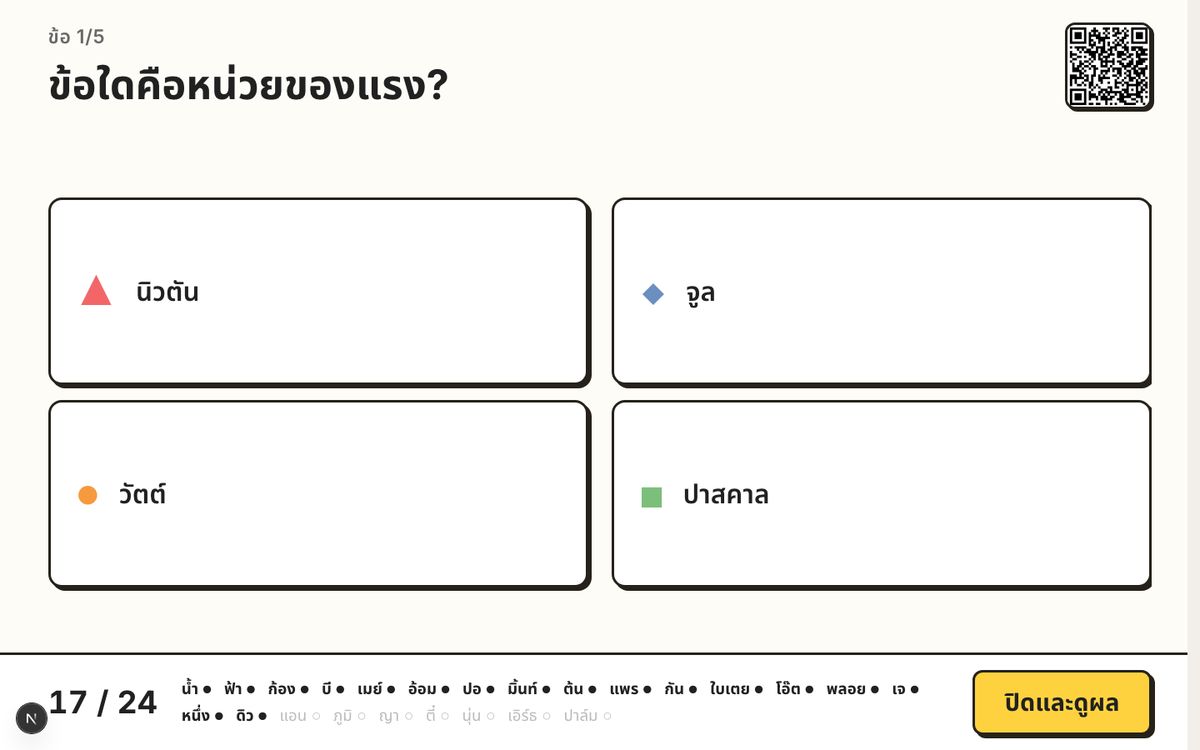
Yes — Live board projects one question at a time. Students join with a QR or link and answer on their phones. Results stay hidden until you reveal them.